Appearance
Function: showUploadFile()
ts
function showUploadFile(ctx: Context, options: ShowUploadFileOptions): Promise<SdkFile[] | null>;Defined in: src/file/getFile.tsx:121
Parameters
| Parameter | Type | Description |
|---|---|---|
ctx | Context | The context object that provides access to the render method. |
options | ShowUploadFileOptions | The options to configure the file upload dialog. |
Returns
Promise<SdkFile[] | null>
A promise that resolves with an array of SdkFile objects, or null if the user cancels the dialog.
Deprecated
use showUI.fileUpload instead
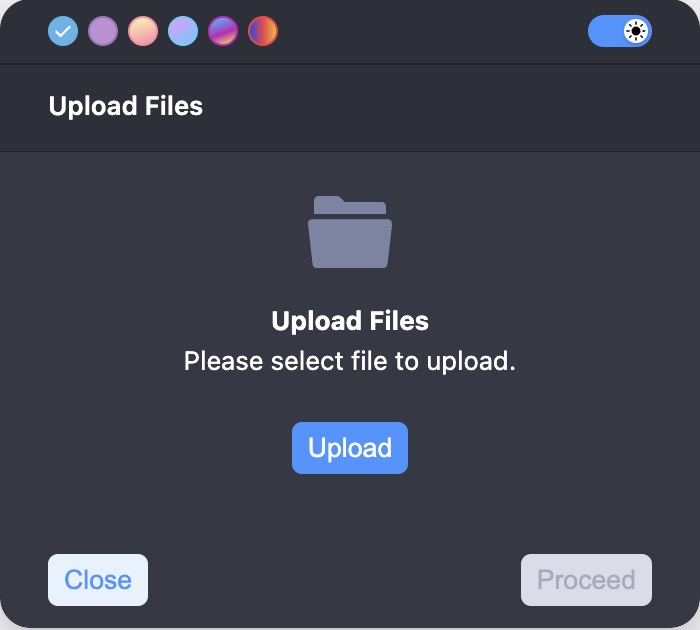
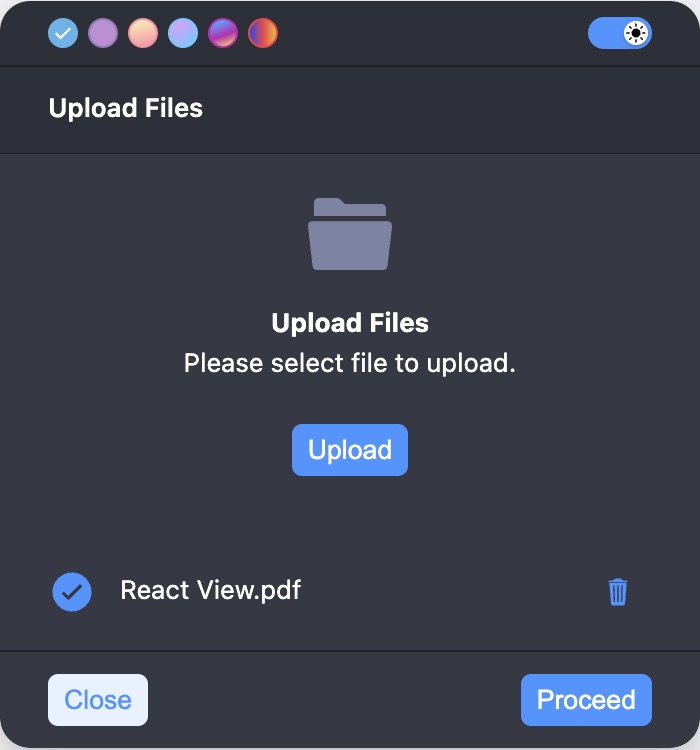
Displays a file upload bubble and returns an array of SdkFile objects containing the selected files' data and metadata.
Warning
Be cautious with the validate function, especially when handling large Excel files. Reading large files can take a considerable amount of time and significantly affect performance. Ensure that file validations are efficient to avoid blocking the UI or causing long delays.
Example
ts
const options: ShowUploadFileOptions = {
 fileUploadTitle: 'Upload Files',
 uploadButton: 'Upload',
 fileUploadText: 'Please select file to upload.',
 minFileLimit: 1,
 maxFileLimit: 3,
 overlay: true,
 overlayProps: {
   blur: true,
   blurIntensity: 10,
   background: 'grey',
 }
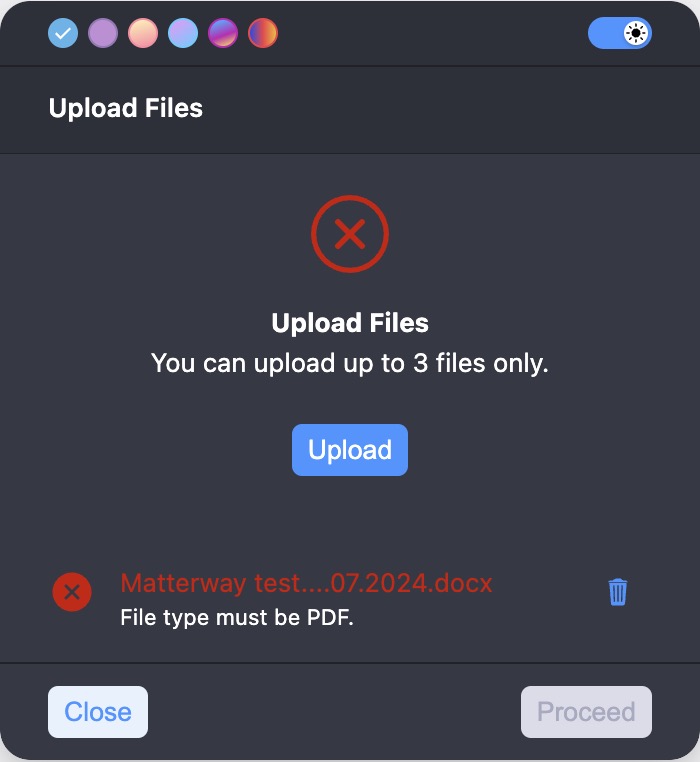
 error: 'You can upload up to 3 files only.',
 validate: async (file: DroppedFile) => {
   if (file.type !== 'application/pdf') {
     return {isValid: false, message: 'File type must be PDF.'};
   }
   return {isValid: true, message: ''};
 },
};
const selectedFiles = await showUploadFile(ctx, options);
if (selectedFiles) {
  // Process the selected files.
}